Qwen Prompt Assist
Install the public Qwen 3.8 model and its private runtime in one guided action, then refine model-aware prompts locally.
 ALi–IMAGINE
PIX-7 VISUAL STUDIO
Download
ALi–IMAGINE
PIX-7 VISUAL STUDIO
Download
Build reusable Concepts. Generate images and video. Restore, upscale, compare, and preserve every creative decision in one private production console.
THE REAL STUDIO // V0.9.9
Generate, direct motion, review outputs, and preserve the creative trail without leaving the project.
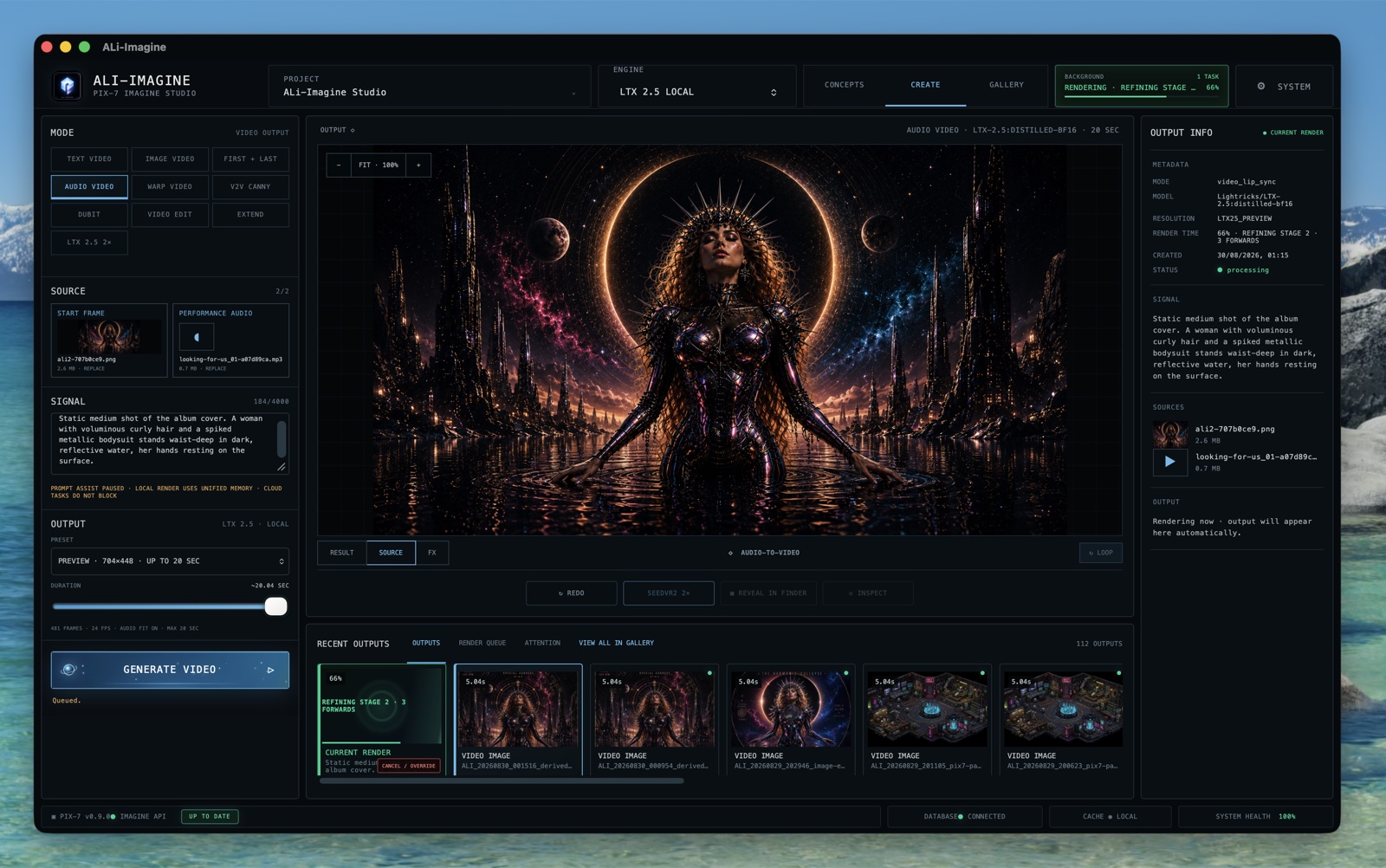
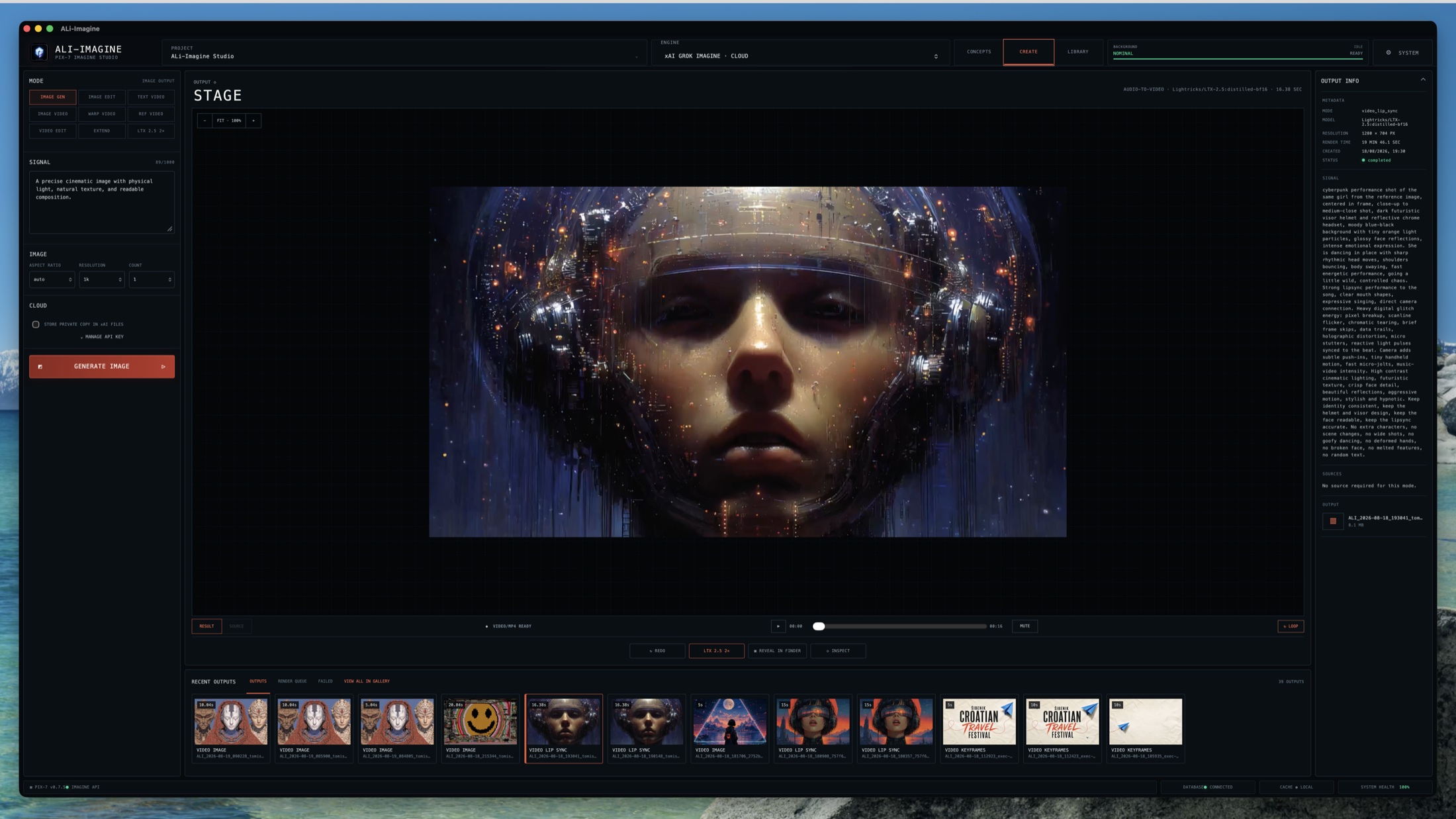
Install the public Qwen 3.8 model and its private runtime in one guided action, then refine model-aware prompts locally.
Text, image, first + last frame, and performance-audio workflows on Apple Silicon with native MLX.
Build reusable characters and styles, then attach compatible LoRAs to the Concept that owns them.
Drop images from Finder straight into start and end frame slots, then direct the transition between them.
Run the dedicated LTX 2.5 upscale path with visible queue progress and preserved source audio.
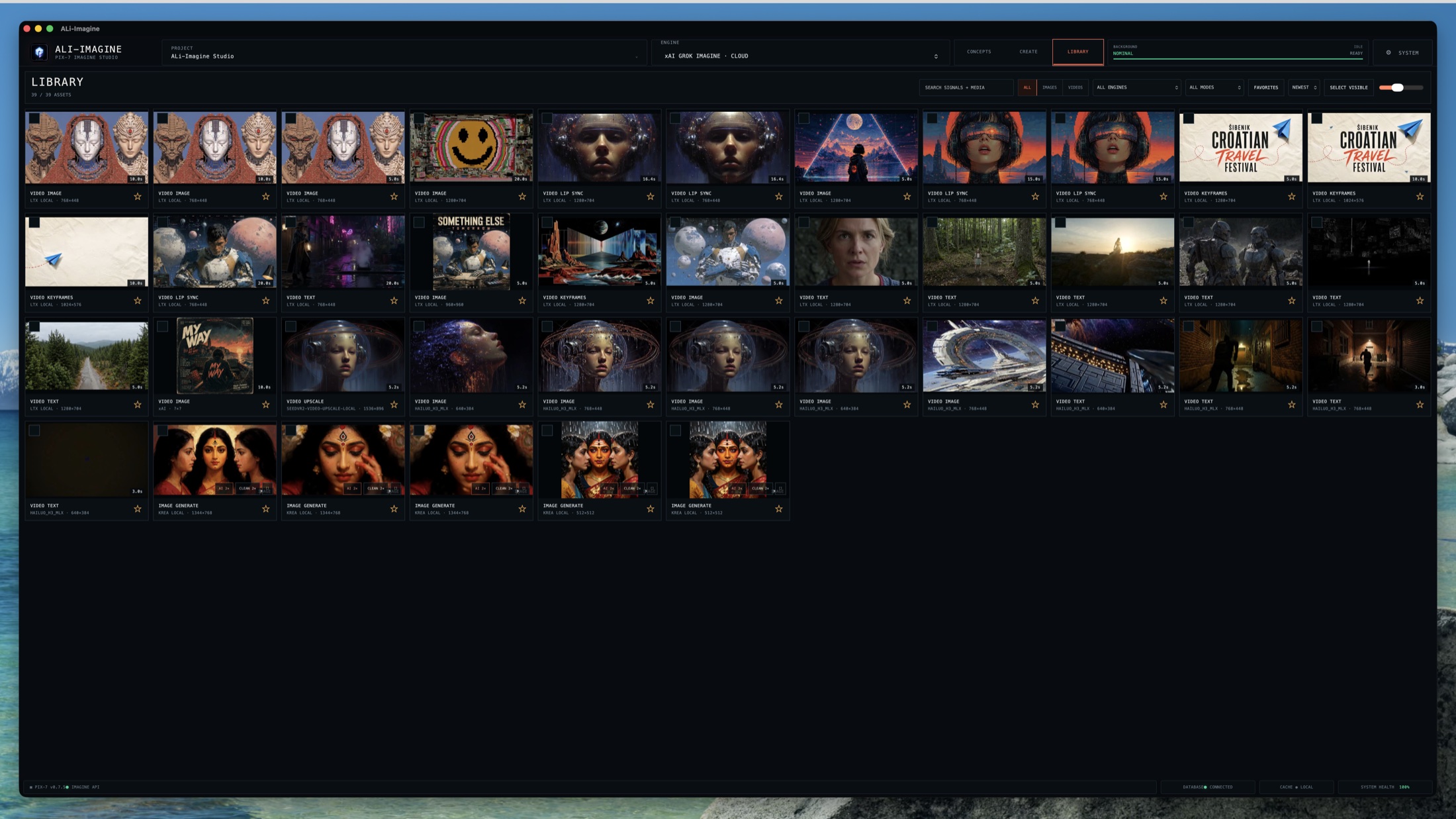
Keep settings, sources, render metadata, and every derived version attached to the finished asset.
FIELD TEST // 03:33
A complete ALi Imagine production built from numbered first-and-last keyframes, reusable character Concepts, local LTX motion, immutable outputs, and a final editorial pass.
Watch on YouTubeTHE INSTRUMENT
ALi Imagine surrounds the work with only what matters: sources, signal, engine state, outputs, and complete lineage.
ONE CREATIVE TRAIL
No disconnected model buttons. Four clear surfaces, one project, and a recoverable creative trail.
Collect references, character sheets, guidance, datasets, and certified adapters as reusable creative knowledge.
Generate images and video locally or through xAI without changing the project’s core workflow.
Compare, favorite, derive, reveal, export, and revisit every immutable version from a full-screen media surface.
Install and verify local engines, models, credentials, hardware tests, and capability certification explicitly.
CONCEPTS // REUSABLE IDENTITY
References, character sheets, guidance, and certified adapters become project knowledge. The engine may change. The creative identity remains traceable.
Every frame keeps the path back to what made it.
FIRST + LAST // LTX-2.5 MLX
Build controlled transitions between numbered keyframes. LTX receives the exact opening and closing composition while the project preserves both sources, the generated clip, and its complete recipe.
PROVIDERS ARE PLUGINS
The project and its assets do not belong to an API. Engines execute recipes; they do not own the system.
Fast Apple Silicon image generation, image transformation, Concepts guidance, and Creative Enhance.
METAL · BF16 · OFFLINEFast local image generation and editing with a compact, isolated Apple Silicon pipeline.
METAL · 4B · OFFLINELocal prompt refinement and source-frame analysis with a public, resumable model install that needs no Hugging Face token.
MLX SERVE · 4-BIT · OFFLINEText-to-video, image-to-video, first-and-last-frame control, native audio, and official latent 2× derived-video upscale.
METAL · BF16 · 8 + 3 FORWARDSFirst-and-last-frame video plus image-and-audio reference generation with synchronized native sound.
FL2VA + REF2VA · BF16 + Q8 · METALTemporal 2× video restoration for H3, LTX, cloud, and imported clips with immutable sources and preserved audio.
5-FRAME TEMPORAL GROUPS · FP16 · METALRemote image generation, editing, video generation, video editing, and extension through one adapter.
KEYCHAIN · ASYNC · LOCAL DOWNLOADASSET-FIRST
Every output retains its source, signal, seed, engine, model, adapter, settings, checksum, timings, and parent version. Originals are never overwritten. Every operation derives.
CODEX + DAVINCI RESOLVE / MACOS
Capture a frame, prepare an ALi video shot, review the result, and place the take back on your Resolve timeline. The ALi Resolve skill gives Codex the workflow.
ali-resolve folder in Downloads.Install the ALi Resolve skill from ~/Downloads/ali-resolve into ~/.agents/skills/ali-resolve. Read its README.md, back up any existing version, and check the required software. Do not generate media or change my timeline.
Use $ali-resolve to check my ALi and Resolve connections. Tell me the active project and timeline. Do not generate anything or change my timeline.
Requires the ALi Resolve plugin, Python 3, and Resolve external scripting access. Generation needs a configured local LTX 2.5 runtime. This ZIP contains the Codex skill, not the apps, plugin, or models. Start with the connection check; older ALi versions may need an update.
No Sirius or ChatGPT manifest.json is needed for this workflow. Current helper: macOS, whole-number timeline frame rates. Download checksum.
ALi IMAGINE v0.9.11 TRUSTED
Version 0.9.11 adds native Qwen Image 2.1 generation, reference editing, transparent PNG output, and reference caching on Apple Silicon. The redesigned System installer shows centered animation, measured download percentages, transferred GB, and live build or verification phases. Images retain their prompts and reference history in the Library. Local models are separate downloads; Qwen remains subject to its upstream research licence.
TRUSTED RELEASE Developer ID signed and Apple notarized for direct macOS download. No Control-click exception is required.