Four ways in.
v1, v2, Arp and Bass generators. Sixteen stored banks, a selectable chord and editable note, velocity, gate and octave lanes.
 PIXEL RECORDS
A little repetition.
A different ending.
0.7.0 is available. Developer ID signed and Apple notarized.
Release statusSilent phrase preview. This illustration shows the AAAB structure; it does not generate audio.
Generate a phrase. Find its character. Let it move. PXL Seq turns sixteen steps into evolving MIDI for your synths, samplers and hardware.
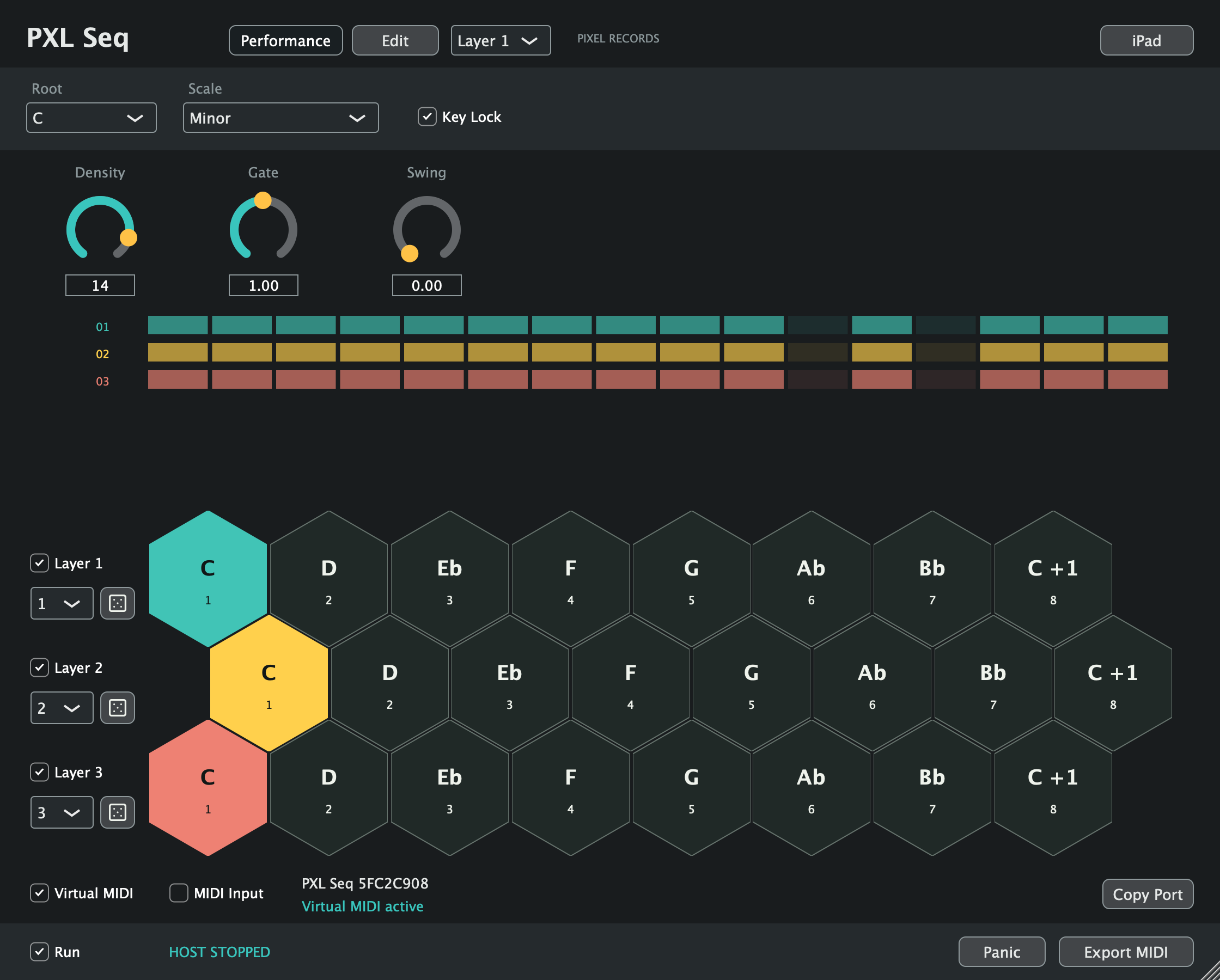
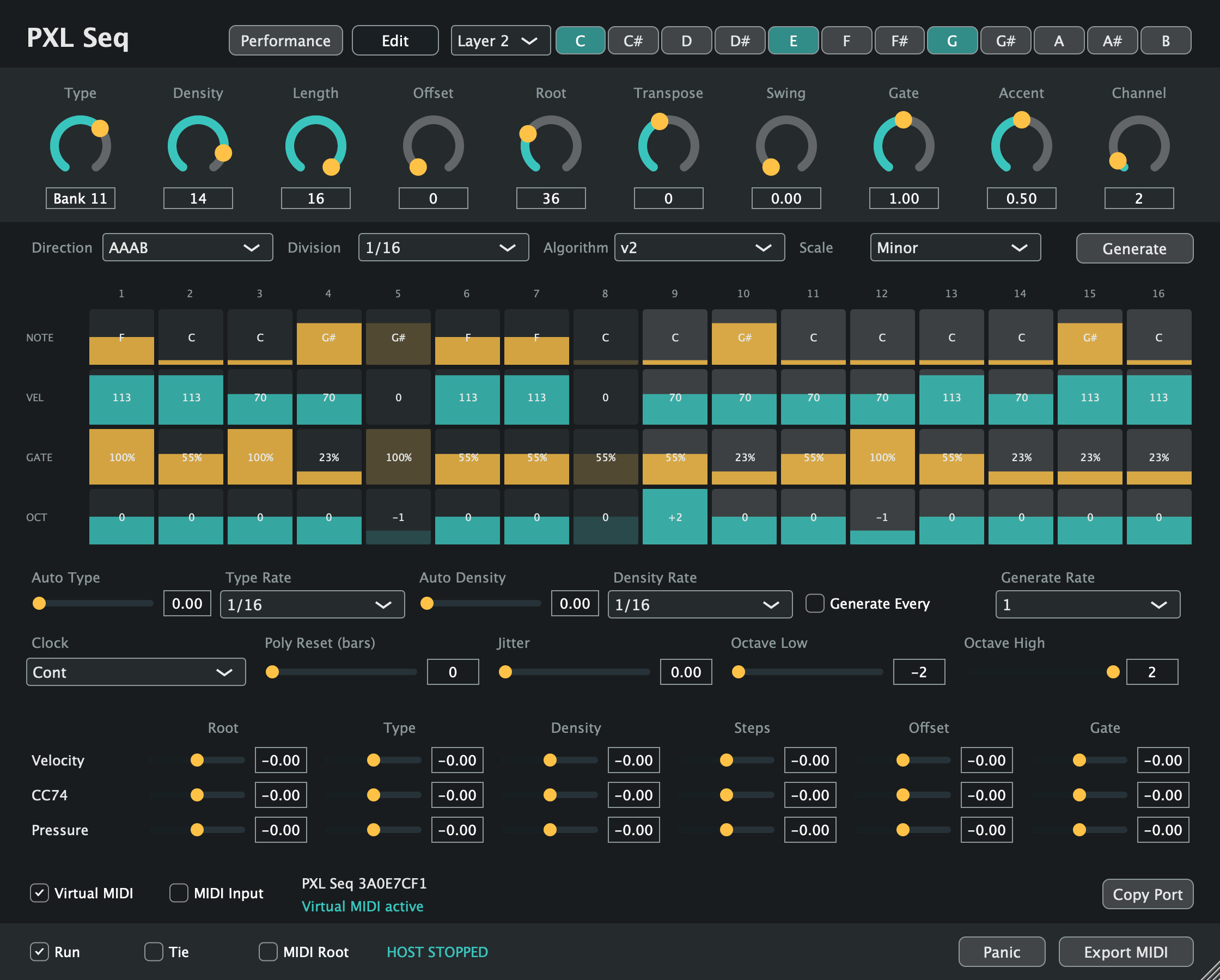
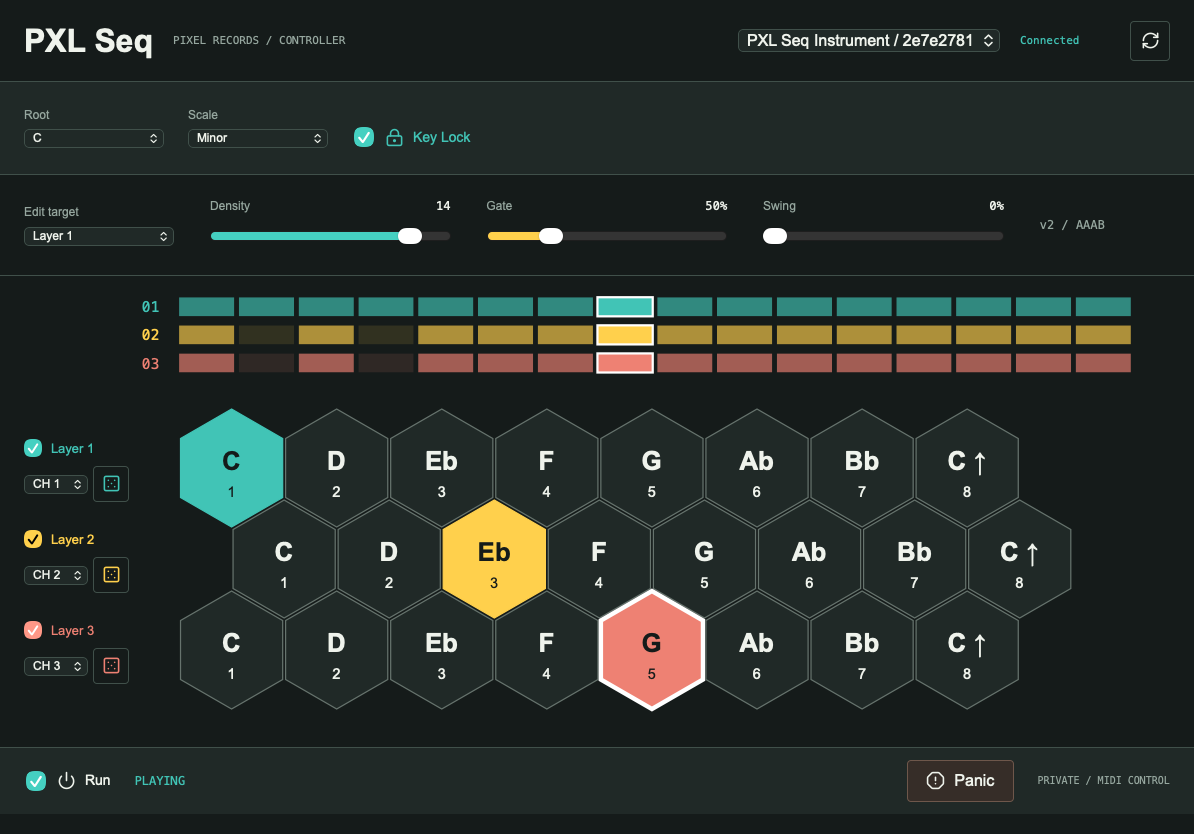
v1, v2, Arp and Bass generators. Sixteen stored banks, a selectable chord and editable note, velocity, gate and octave lanes.
Swing, ties, jitter and polyrhythmic resets. Modulate the pattern with velocity, CC74 and pressure, or let Type and Density wander.
Send MIDI to software or hardware. The AU instrument adds a dedicated virtual MIDI port for Ableton Live. Export a phrase as a MIDI file.
With sixteen steps, the first eight play three times. The last eight play once. A 32-step phrase, with a turn at the end.
Forward and Backward modes are there too. AAAB never reverses the notes.
Keep MIDI Input off unless using a physical controller. Avoid All Ins on the source track: its own port must not loop back in.
Apple Silicon · macOS 12+
MIDI generator, not a synthesizer. No Max required.
PXL Seq 0.7.0 for Apple Silicon · macOS 12+.
Developer ID signed · Apple notarized.
AU instrument, MIDI FX AU and VST3 MIDI generator.
Unzip the download. Copy whole .component bundles from Components to ~/Library/Audio/Plug-Ins/Components/ and .vst3 bundles from VST3 to ~/Library/Audio/Plug-Ins/VST3/. Back up existing copies before replacing them, then restart and rescan your DAW.
VST3 generates MIDI for another instrument track. The instrument AU uses a virtual CoreMIDI port; the MIDI FX AU requires a host MIDI FX slot. Existing screenshots show the 0.5 interface.
Download all Pixel Records / PXL Mac plugins ↗ · Checksums + release notes ↗